Illustrative example - not a real bill
Evergreen Electric Cooperative
Delivery fee$5.00
City tax$4.00
Invented issuer, dates, amounts, and account context. No customer document was used.
Bills become questions you can actually ask
ExpenseReader is a free AI bill analyzer and bill explainer that helps you understand charges. It separates what a document says, what the arithmetic supports, what remains unknown, and which follow-up questions may be useful.
Penny Lane is ExpenseReader's AI bill-analysis expert.
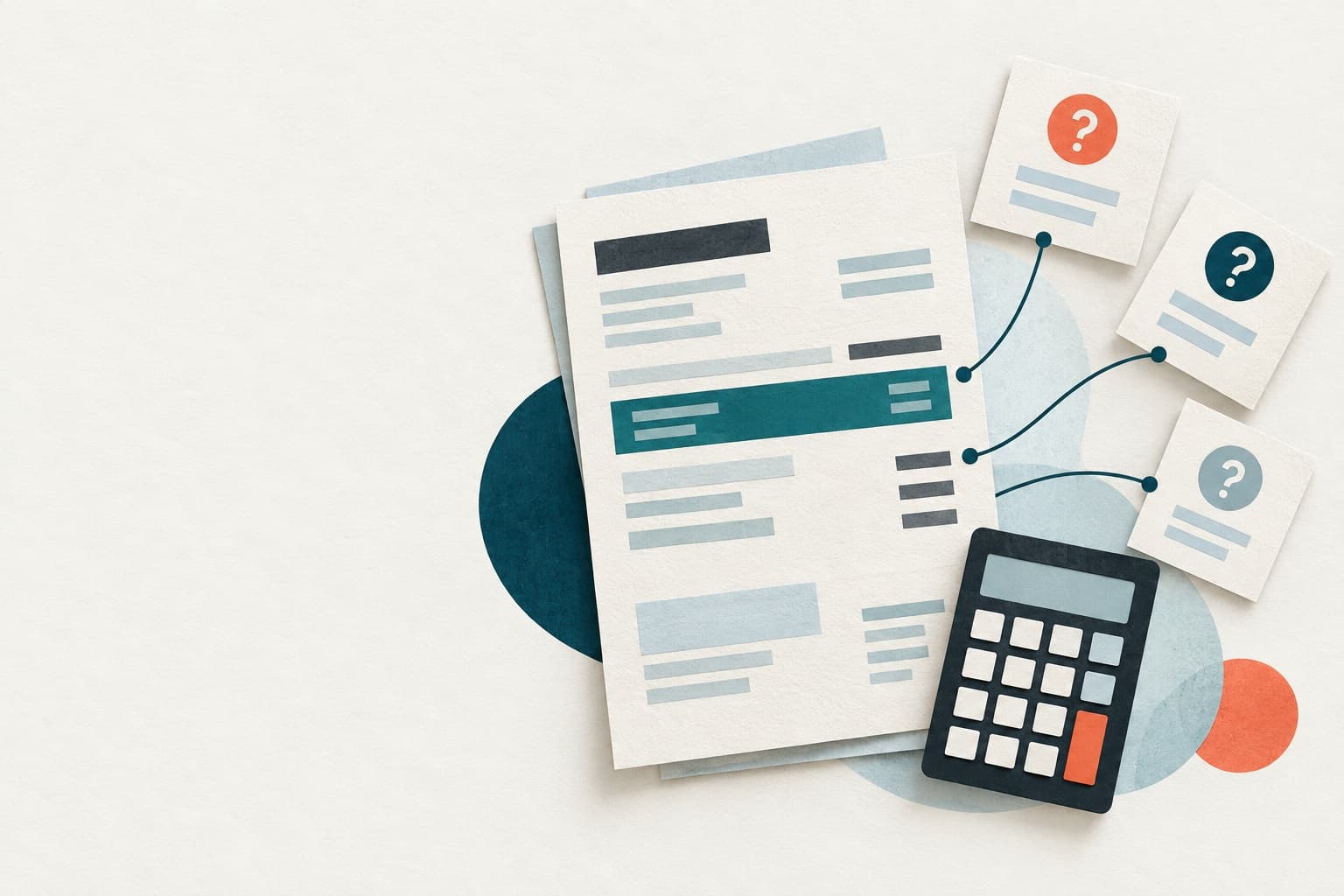
A transparent sample
This sample utility statement uses the same structured fields, source spans, signed amounts, and deterministic checks as the real analysis pipeline. Select a marked row to see how it is interpreted.
Illustrative example - not a real bill
Invented issuer, dates, amounts, and account context. No customer document was used.
Seven complete categories
The underlying workflow is shared; terminology, extraction fields, checks, and safety limits change with the document type.
Checks printed usage, rates, fees, credits, and totals without inventing tariffs.
Seven focused bill guides
Start with the guide for your document type, then use the analyzer to check corrected, redacted text.
Penny Lane’s notebook
AI-generated educational articles, published automatically only after source, safety, and rendering checks.
insurance
A renewal notice can describe the price for a policy period, the way that price is billed, and the payment requested now. Those figures answer different questions and do not establish coverage for a hypothetical loss.
utility
A signed, line-by-line reconciliation can show whether displayed components reproduce a statement total without deciding whether any charge is justified.
credit card
Use signed balance movements to reproduce a printed closing balance while keeping interest-method details clearly unknown.
saas
How status, dates, credits, and amount due help distinguish a software payment request from a record of payment.
Privacy, stated precisely
You correct and mask extracted text first. Detection helps but can miss sensitive details.
ExpenseReader sends only the corrected text for analysis, never the original PDF bytes.
The page uses in-memory state. Provider and hosting processing are separate and described in the privacy notice.
Analyze your own document
Use already-redacted text when possible, or choose one PDF. A readable text layer is extracted first; eligible printed pages can use browser-local OCR when enabled. Your result and follow-up conversation remain in this browser tab.
Analyze your own document
Session-only · refresh loses your work · five analyses per UTC day, subject to the shared budget
PDFs are safety checked first; eligible printed pages can use browser-local OCR.
0 / 120,000 characters · 0 potential identifiers
No common identifier patterns detected. Manual review is still required.
Correct extraction errors, preserve minus signs and decimal points, and remove personal identifiers. ExpenseReader analyzes exactly this text.
Changing the text or category clears these confirmations.
Paste already-redacted text or choose a PDF, then review every page before analysis.

Have a general bill question?
Ask Penny for plain-language help with common bill terms and everyday personal-finance questions. For a specific document, the private bill workspace can add your reviewed context while general chat stays focused on broad questions.