The actual processing path
From a crowded bill to sourced facts and checked arithmetic
ExpenseReader combines a correctable text preview, bounded AI extraction, exact evidence alignment, and deterministic calculations. Each layer has a different job and a visible limit.
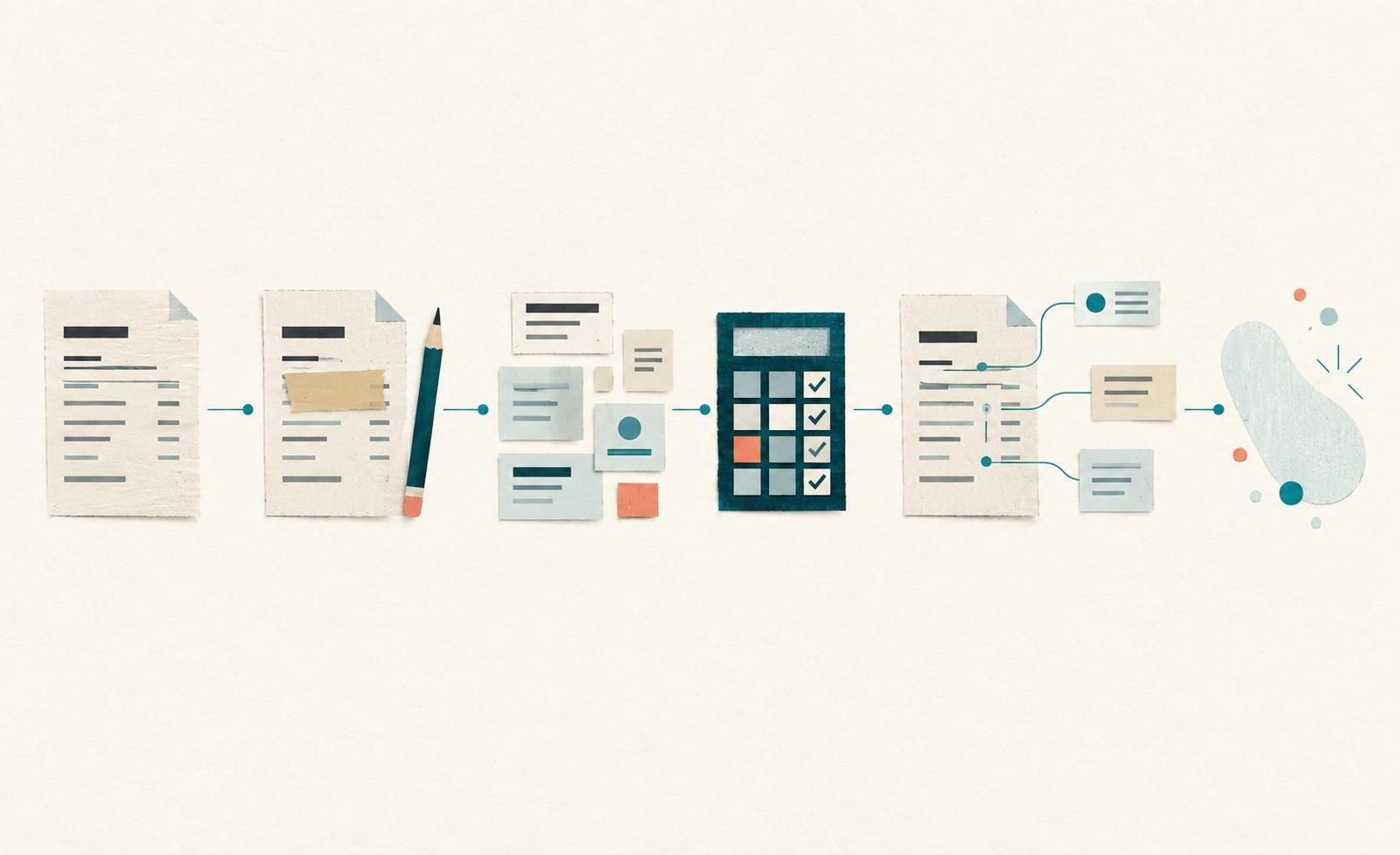
Six stages
What happens to a document
- 01
Choose pasted text or a PDF
The server first validates the PDF and extracts any selectable text in bounded request memory. When browser OCR is enabled, safely parsed pages without reliable text can be rendered and read locally. Photographs, encrypted files, active content, and unsafe or malformed PDFs are rejected. The original PDF is not sent to the AI provider.
- 02
Review, correct, and mask the text
You see every extracted page before analysis. OCR runs in reviewed batches of up to five pages. Drafts must be compared with their previews, and a page that appears blank still needs explicit confirmation. Complex tables or columns may offer two reading orders to compare. Correct dates, columns, signs, and decimal points; remove names and identifiers; then confirm the review. Pattern detection can help, but it is not complete.
- 03
Classify and extract structured facts
Only the corrected text is sent to OpenAI for bounded classification and category-specific structured extraction. Requests set store:false and use no provider files, web search, tools, threads, or persistent conversation IDs. Provider and hosting retention are described in the privacy notice.
- 04
Check the math outside the model
ExpenseReader uses signed integer minor units to reproduce totals, quantity-by-rate calculations, and category-specific relationships. A passing calculation establishes consistency, not that a charge or rule is valid.
- 05
Show evidence, unknowns, and questions
Document facts must point to exact submitted text. Calculations identify their inputs. Missing or ambiguous information stays unknown, and the result proposes questions instead of filling gaps with invented facts.
- 06
Clear or leave the page
Document, result, and follow-up state live in page memory only and disappear on refresh, Clear, or session expiry. Clearing the page cannot retract processing already performed by hosting or AI providers.
Published limits
What the workflow accepts
- PDF size
- 4,000,000 bytes maximum
- Pages
- 40 per PDF
- Extracted text
- 120,000 characters per document
- Supported geography
- U.S. documents; local rules remain unverified unless sourced
- Daily allowance
- Five analyses per anonymous browser token, resetting at UTC day boundaries and subject to the shared budget
- Medical PDFs
- Require an additional provider-processing acknowledgement
Start with the right vocabulary
Choose a bill guide
Each category has a worked example, terminology, questions, and the same real analyzer preselected for that document type.
A provider boundary
Temporary here is not zero retention
ExpenseReader does not intentionally save bill or conversation content. OpenAI requests use store:false, but that does not by itself establish Zero Data Retention. Provider processing and retention are explained in the privacy notice.
Read the privacy notice, current usage terms, and FAQ for the precise boundaries.