About ExpenseReader
Bills should be readable before they become actionable.
ExpenseReader turns the text already present in a bill into a structured, evidence-linked explanation. It is designed to help someone slow down, check the arithmetic, and prepare better questions.
The mission
A bill can be technically complete and still be hard to understand. ExpenseReader separates document facts from calculated checks, possible explanations, and unknowns so that uncertainty stays visible.
It supports medical bills and EOBs, utilities, phone/cable/internet, insurance, SaaS and business invoices, property tax, and credit-card statements. Each guide includes an illustrative example and the same real analysis workflow.
Meet Penny Lane
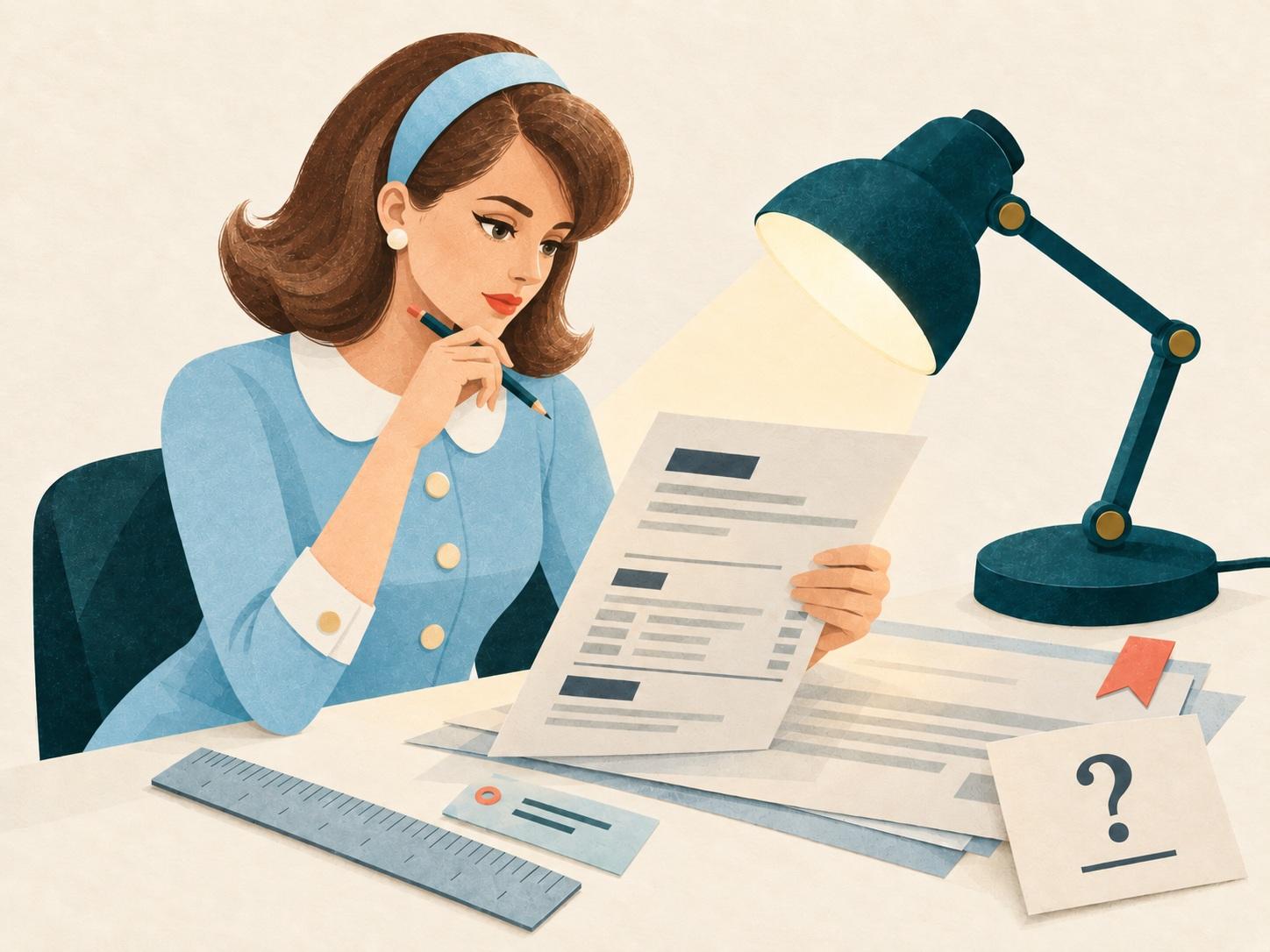
Penny Lane is a fictional AI bill-analysis guide—not a person and not a licensed medical, legal, tax, insurance, credit, or financial professional. She has no invented biography, credentials, employers, or personal experience.
“Expert” describes Penny's narrow subject-matter role. Her answers can be incomplete or wrong, so important decisions belong with the bill issuer, an official source, or an appropriately qualified professional.
What ExpenseReader does
ExpenseReader combines practical bill-reading tools with educational guidance, giving you several ways to move from a dense document to clearer facts and better questions.
- Explains seven common bill types. The bill guides cover medical bills and EOBs, utilities, phone and internet, insurance, business and software invoices, property tax, and credit-card statements with scan lists, terminology, worked examples, and verification questions.
- Creates a reviewable workspace. Paste redacted text or upload a supported PDF, then inspect, correct, and mask the extracted text before approving it for analysis. Eligible printed pages can use browser-local OCR when it is available.
- Connects explanations to evidence. Results organize line items and document facts, preserve quoted source evidence, and keep missing information visible.
- Checks supported arithmetic independently. The application recalculates totals and other supported relationships outside the AI model, then shows what reconciles and what remains unverified.
- Turns uncertainty into useful next questions. Category-specific limitations and suggested questions help you prepare for a conversation with the issuer or an appropriate professional.
- Offers two ways to learn with Penny. Ask evidence-linked follow-up questions about the current result, or use the general chat for broader educational questions. Penny's notebook adds focused bill-reading articles.
See the complete processing path for the steps from document review through structured results.
What the product will not do
- Certify that every charge is correct, lawful, or complete.
- Promise savings or identify fraud from an unusual line item.
- Pay, dispute, submit, or contact an issuer for you.
- Save an account, permanent bill library, or chat transcript.
- Accept photographs, handwriting, or unsafe PDF features.
Read the actual processing path, the privacy notice, or Penny's automatically published notebook.